 批量瘦图
批量瘦图 图片丢进来,马上变瘦
JPEG、PNG、WebP、AVIF、HEIC、GIF、SVG、PDF 批量压缩、转格式、改名、去背景。原图进废纸篓,随时一键撤销。Finder 右键、⌘V 粘贴、命令行和 AI Agent 都能用。
Mac App Store 下载 看看能做什么
压得小,看不出
MozJPEG、libwebp、AVIF、JPEG XL、oxipng 这些业界最好的编码器,6 档画质,或者直接给目标相似度 / 体积上限。
原图永远找得回
覆盖原图前先确认,原图进废纸篓;每次处理都记在历史里,⌘Z 一键撤销。
去背景(实验)
用 macOS 自带的主体识别抠图,批量去背景、裁到主体边缘,不联网。
Finder 右键
选中图片右键选预设,后台处理完通知你。
命令行与 AI Agent
自带 slim 命令行和 MCP 服务器,Claude Code、Cursor 等 Agent 一键接入;改动前先出计划,可撤销。
手机照片也懂
HEIC、HDR 增益图、Live Photo、安卓 Motion Photo、P3 广色域、CMYK、16 位——都按正确方式处理。
Drop images in, they slim down instantly
Batch-compress, convert, rename and remove backgrounds for JPEG, PNG, WebP, AVIF, HEIC, GIF, SVG and PDF. Originals go to the Trash and every batch can be undone. Works from Finder's right-click menu, ⌘V, the command line and AI agents.
Download on the Mac App Store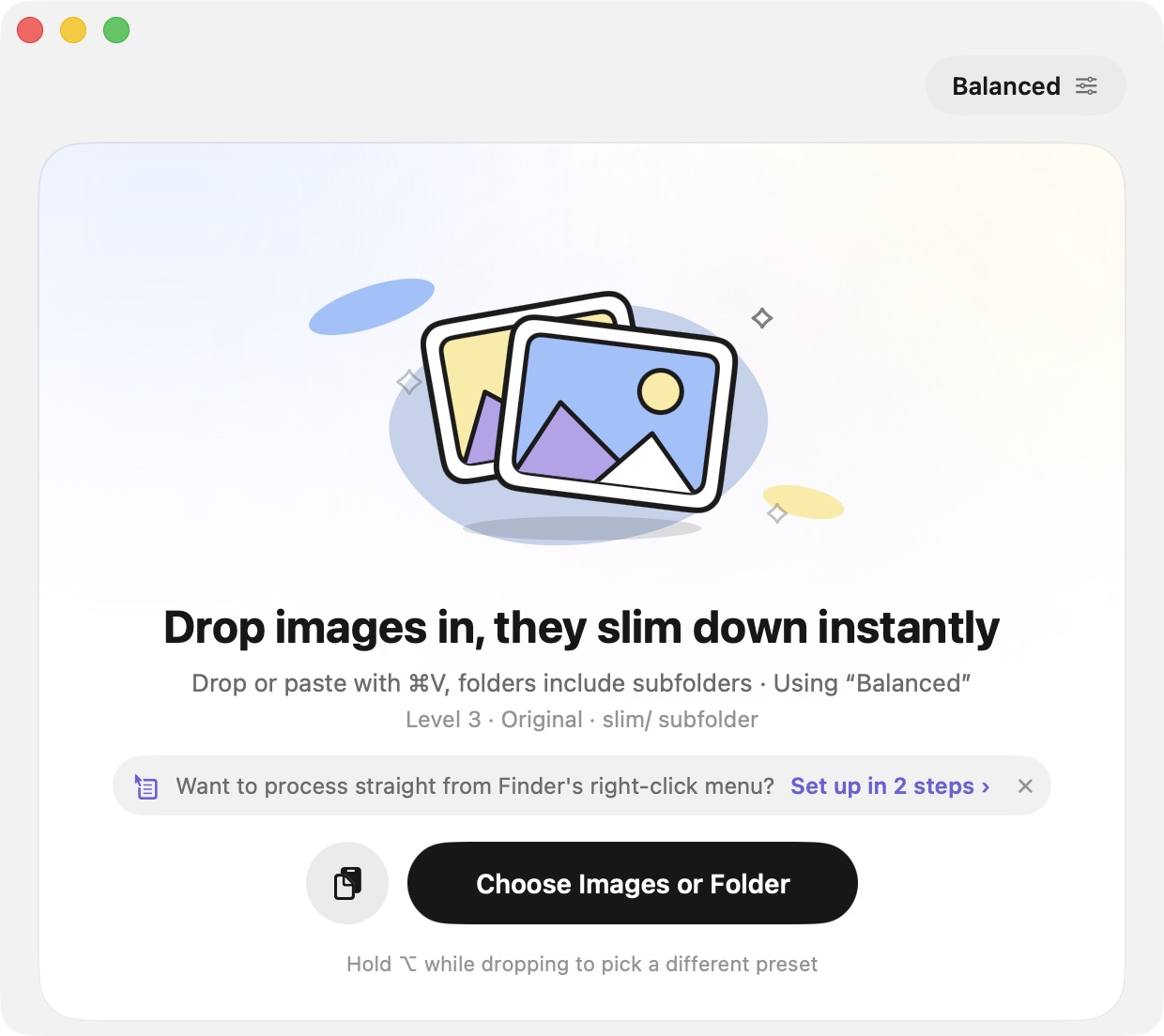
Small, and you can't tell
MozJPEG, libwebp, AVIF, JPEG XL and oxipng — the best encoders — with 6 quality levels, a target similarity, or a size cap.
Originals are always recoverable
Confirmation before overwriting, originals in the Trash, every batch in History, ⌘Z to undo.
Background removal (experimental)
On-device subject segmentation from macOS; batch-remove backgrounds and crop to the subject, offline.
Finder right-click
Pick a preset from the context menu; it runs in the background and notifies you.
Command line & AI agents
Bundled slim CLI and MCP server; one-click setup for Claude Code, Cursor and others. Plan first, apply, undo.
Phone photos done right
HEIC, HDR gain maps, Live Photos, Android Motion Photos, Display P3, CMYK, 16-bit — all handled correctly.